Newsletter or News Page: Where Should a Catch-Up Begin?
Choose a newsletter or news page for a short catch-up by matching its ordered sequence or browsable layout to the time and attention you have.
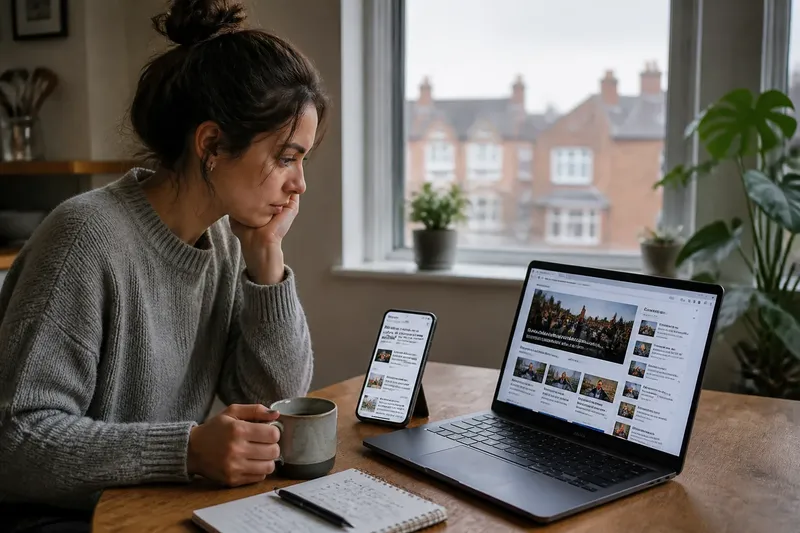
Should you open a newsletter or a news page for a short catch-up? A newsletter gives you an ordered route through selected stories; a news page lets you choose among visible topics and formats. The better starting point depends on whether you want someone else to arrange the reading or prefer to set your own route.
Which format suits a short catch-up?
Choose a newsletter when you want a compact sequence that arrives ready to read. Its editor has already selected and arranged the items, often with a short introduction or a link to each full report. That order can help when you have a clear stretch of attention and do not want to decide what to open next.
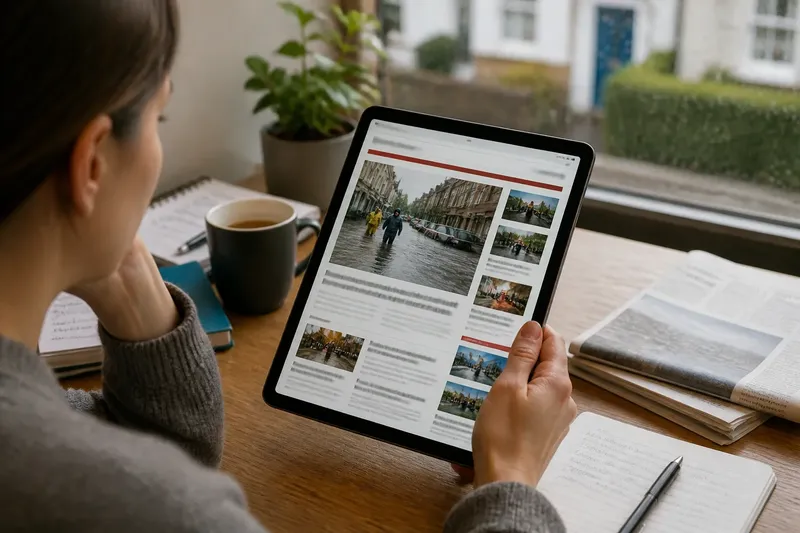
Choose a news page when you want to scan across subjects before committing to a story. A page may show several headlines, sections, live updates, explainers and visual reports together. You can compare what is available, open one item, then return to the page and change direction.
Neither format is inherently more complete. A newsletter is a selection made for a particular edition; a news page is a view into a larger, changing collection. If you need a quick sense of what a particular newsroom considers relevant, the newsletter offers a clear editorial route. If you already have a subject in mind, a page makes it easier to look for that subject directly.
How does order affect reading?
A newsletter’s sequence can create a sense of progression. A brief lead item may set a theme, while later links add context or introduce other subjects. Reading from top to bottom keeps those choices intact, but it can also make the edition feel like a queue: the next item is easy to follow even if your interest has shifted.
A news page replaces that fixed queue with a set of choices. Placement, section labels and visual grouping help you decide where to go, but there is no single path through the material. You might begin with a local report, skip a live blog and finish with an analysis piece, even if the page presents them in another order.
For a short catch-up, decide whether the order itself helps. If you want a guided sequence, start at the top of the newsletter and stop when your available attention runs out. If you want to locate one subject or compare coverage, scan the page’s section names and choose the most relevant entry point rather than treating the first visible story as a required starting point.
What should you check first?
Before choosing, look for clues about the format’s scope. A newsletter’s subject line and opening note may tell you whether it is a general briefing or a focused edition. On a news page, section labels and the mix of story types can show whether you are looking at a broad landing page, a topic page or a live coverage area.
- Time available: A short, uninterrupted window may suit a compact email; time for browsing may favour a page.
- Topic in mind: A known subject is often easier to locate through a page’s sections or search.
- Desired range: A general newsletter may provide a bounded selection, while a page can expose more subjects and formats.
- Reading device: Consider whether the links and layout are comfortable to use on your phone, tablet or computer.
- Need for context: An edition that groups related links may help you follow a topic; a page may make it easier to compare separate reports.
- Update timing: A newsletter reflects the edition that was sent, while a news page may change as stories develop.
These are prompts, not a scoring system. The best choice can change from one visit to the next: a newsletter may be convenient for a routine overview, while the page is more useful when a particular event has caught your attention.
How can you switch formats?
Begin with the format that reduces your first decision, then move to the other only when it adds something you need. A newsletter link can take you to a fuller report; from there, section links or related coverage may lead to a broader page. Conversely, a news page can help you identify one story worth following, after which a focused newsletter may be an easy way to keep that subject in view.
Say you have a few minutes before leaving home and want a general sense of the day. You open a morning newsletter, read its short introductions and select one link that seems relevant; the expected result is a bounded catch-up without scanning every section. If a later question remains, you can visit the page for that topic rather than reopening the entire edition.
That transition works best when you keep track of what you still want to know. You might note a subject, a place or a question, then use the page’s labels to locate a relevant report. This is more useful than opening every link simply because it appears in the email.
Newsletter or news page?
Is a newsletter more complete than a news page?
No. A newsletter contains a chosen set of items, while a news page may show a wider collection that changes over time. For a brief catch-up, its limits can be convenient, but they should not be mistaken for a full account of everything the newsroom is covering.
Is a news page better for breaking coverage?
It can be easier to revisit a page that is updated as a story develops, especially if it has a dedicated live or topic area. A newsletter is tied to its edition, so a later development may not appear there until another message is sent.
Should you read a newsletter from the top?
Start at the top if you want to follow the editor’s intended sequence or get the opening context. If you only need a particular item, use the subject line, section labels or links to go straight to it; there is no obligation to read every entry in order.
Can you use both for one catch-up?
Yes, if each format has a separate job: let the newsletter point you towards a few selected stories, then use the page to pursue one topic or check its wider context. It is not worth opening both formats in full just to confirm that they repeat the same headlines.
Where should you begin?
For a short, guided catch-up, begin with the newsletter; for a subject-led search or a broader scan, begin with the news page. The useful distinction is not which format is best in general, but which one removes the decision you least want to make right now.
A newsletter or news page can also be a starting point rather than a complete destination. Choose the format that fits your immediate question, follow only the links that add context, and stop when you have enough to understand what matters to you.